Press
ElseScreen press kit
Everything to write about ElseScreen: the facts, the descriptions from its App Store listing, its icons, and pictures of the apps at full size. Use any of it in your coverage, and write to support@elsescreen.com with questions.

The facts
- What it is
- A remote desktop for your own Mac, from an iPhone or iPad, at home or away
- Apps
- ElseScreen for iPhone and iPad, on the App Store as Else Screen; ElseScreen Host for the Mac, free from elsescreen.com/download
- Price
- $9.99 once in the United States, with no subscription and nothing more to buy; the App Store shows each country's own price
- Released
- 1 November 2026
- Needs
- iOS or iPadOS 26 or later, and macOS 26 or later on the Mac
- Where
- 147 App Store countries and regions; not in the European Union or China mainland
- Languages
- English, French, German, Italian, Japanese, Korean, Russian, Simplified Chinese, and Spanish
- Privacy
- No account, no analytics, no ads; the App Store lists it as Data Not Collected
- Publisher
- kend.app
- Contact
- support@elsescreen.com
Descriptions
From the App Store listing, in its own words.
In a line
ElseScreen — Remote desktop from anywhere.
Short
See and control every display of your Mac from your iPhone or iPad, at home or away. No account, no tracking: your screen goes encrypted between your own devices.
Long
ElseScreen puts your Mac in your hand. See and control every display it has from your iPhone or iPad, from the sofa, another room, or the other side of the world.
EVERY DISPLAY Each of your Mac's displays gets a button. Tap one, and it fills your screen. All Displays shows them side by side, live, laid out as they sit on your desk. Only the display you're using streams at full quality, so even three stay quick.
FEELS LIKE A TRACKPAD One finger moves the pointer, a tap clicks, two fingers scroll, and a pinch zooms in on small text. Touch and hold to drag. Prefer to point right at things? Touch mode clicks where you tap. Push the pointer past an edge to move on to the next display.
A KEYBOARD FOR THE MAC The key bar adds Esc, Tab, the arrows, and ⌃ ⌥ ⇧ ⌘. Type in any language, paste from your iPhone, and type a saved password on your Mac without copying it. Mac shortcuts such as Mission Control, Spotlight, and Lock Screen are a tap away.
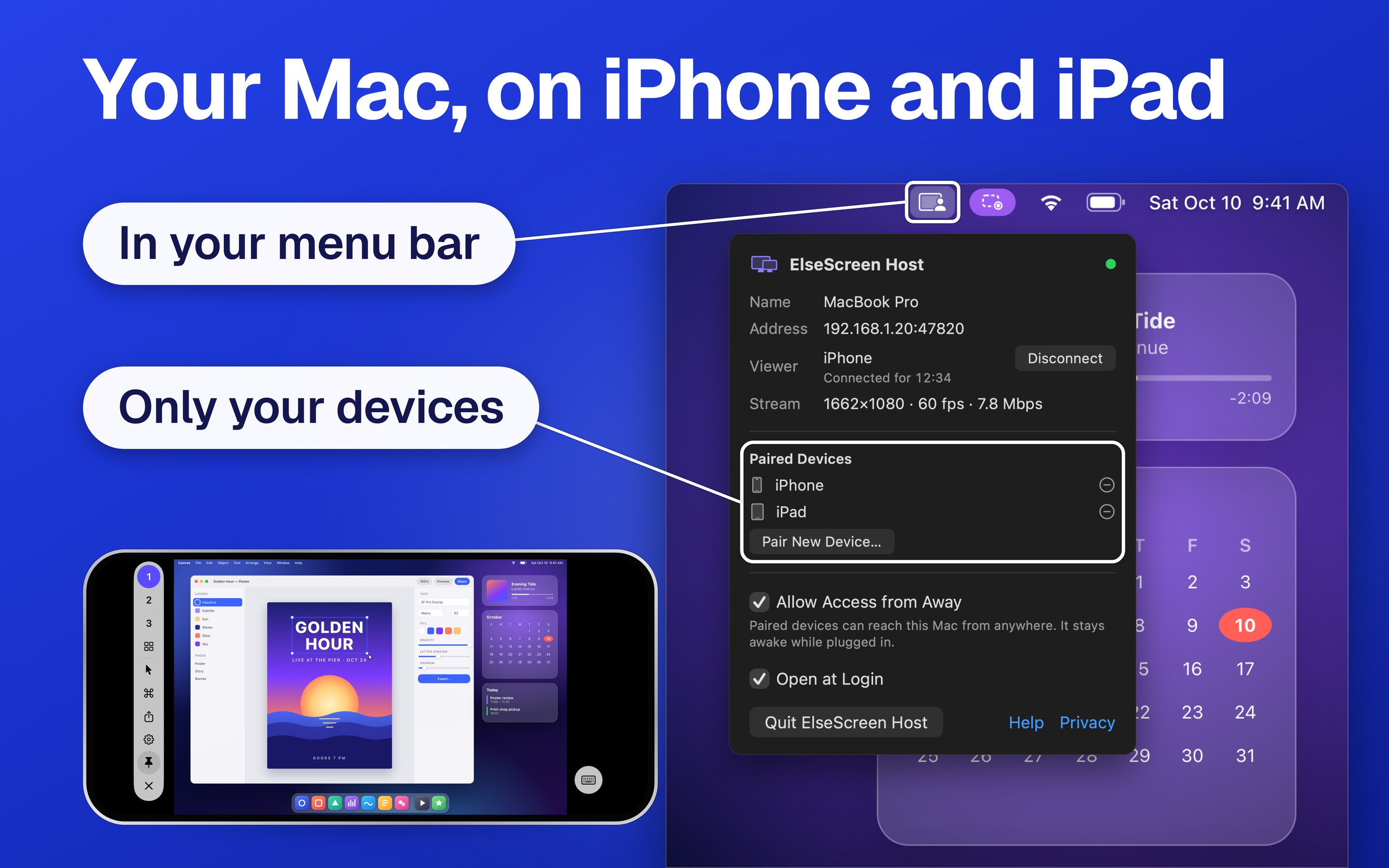
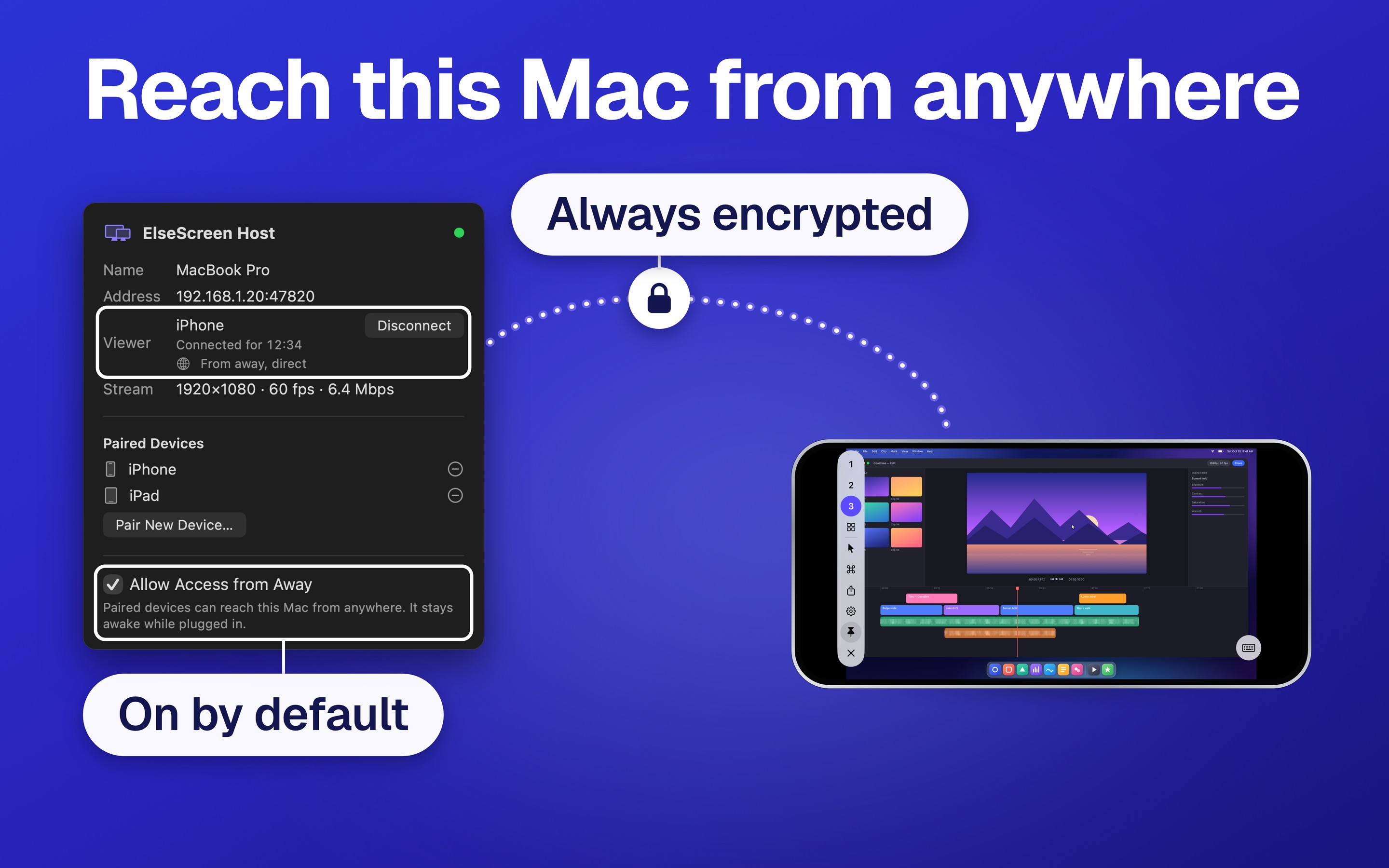
FROM ANYWHERE Reach your Mac away from home with no port forwarding and no account. Your devices connect directly where the networks allow, and through a relay that can't read your screen where they don't. A session from away carries on when you move between Wi-Fi and cellular.
MADE FOR IPAD Use a mouse, trackpad, or Apple Pencil, lock the pointer for games and 3D apps, and open a window for each of your Macs. On a TV or display, by cable or AirPlay, your Mac fills the big screen while your device is its trackpad.
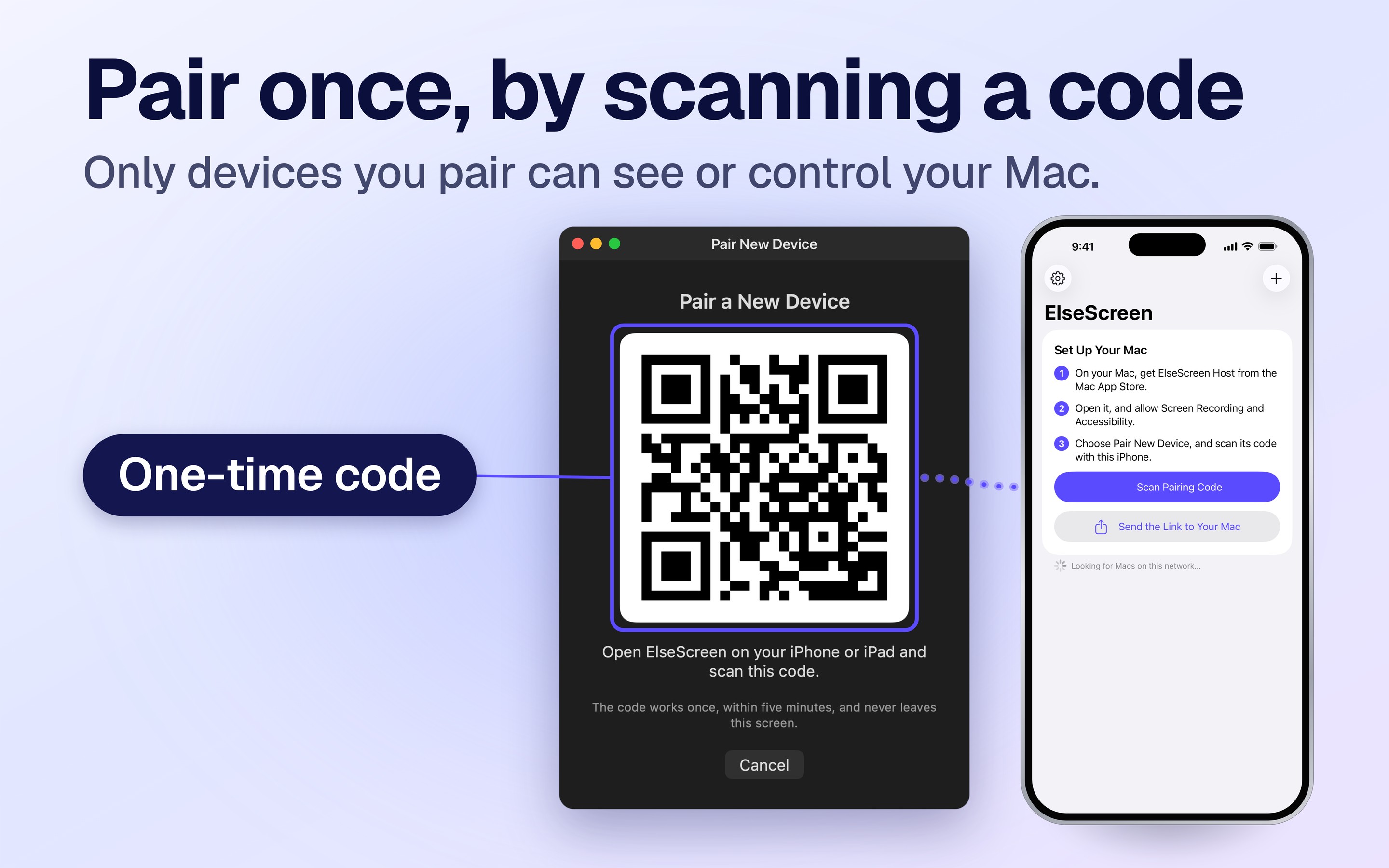
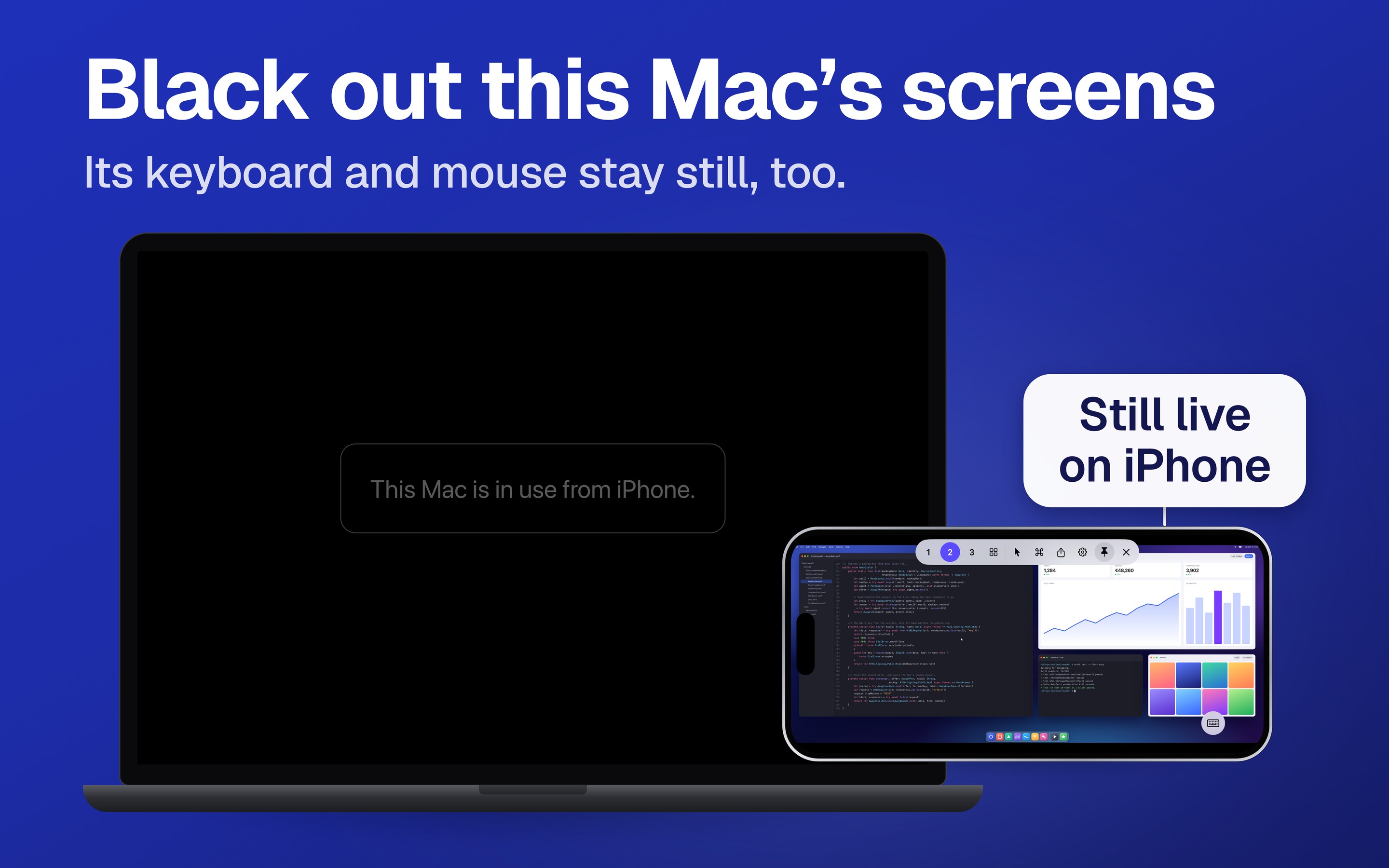
PRIVATE BY DESIGN Pair each device once by scanning a code on your Mac; only paired devices can connect. Every session is encrypted end to end with keys pinned at pairing. At home, your screen goes straight from your Mac to your device over your own network. Privacy Mode blacks out your Mac's own screens, silences its speakers, and keeps its keyboard and mouse still while you work from elsewhere. Face ID can lock the app, and your Mac can lock itself when you're done. ElseScreen collects nothing: no account, no analytics, no ads.
AND MORE Hear your Mac's sound. Copy and paste between devices, formatting included. Send files and photos to your Mac, and save what you copy in Finder. View Only, Wake your Mac, Quality mode at your display's own resolution, up to 120 frames a second on ProMotion displays, Shortcuts, Siri, and widgets. In English, French, German, Italian, Japanese, Korean, Russian, Simplified Chinese, and Spanish.
WHAT YOU NEED ElseScreen Host, our companion app for the Mac, free from elsescreen.com, on a Mac with macOS 26 or later, and an iPhone or iPad with iOS or iPadOS 26 or later. Pair on the same network; after that, connect from anywhere.
Icons
iPhone
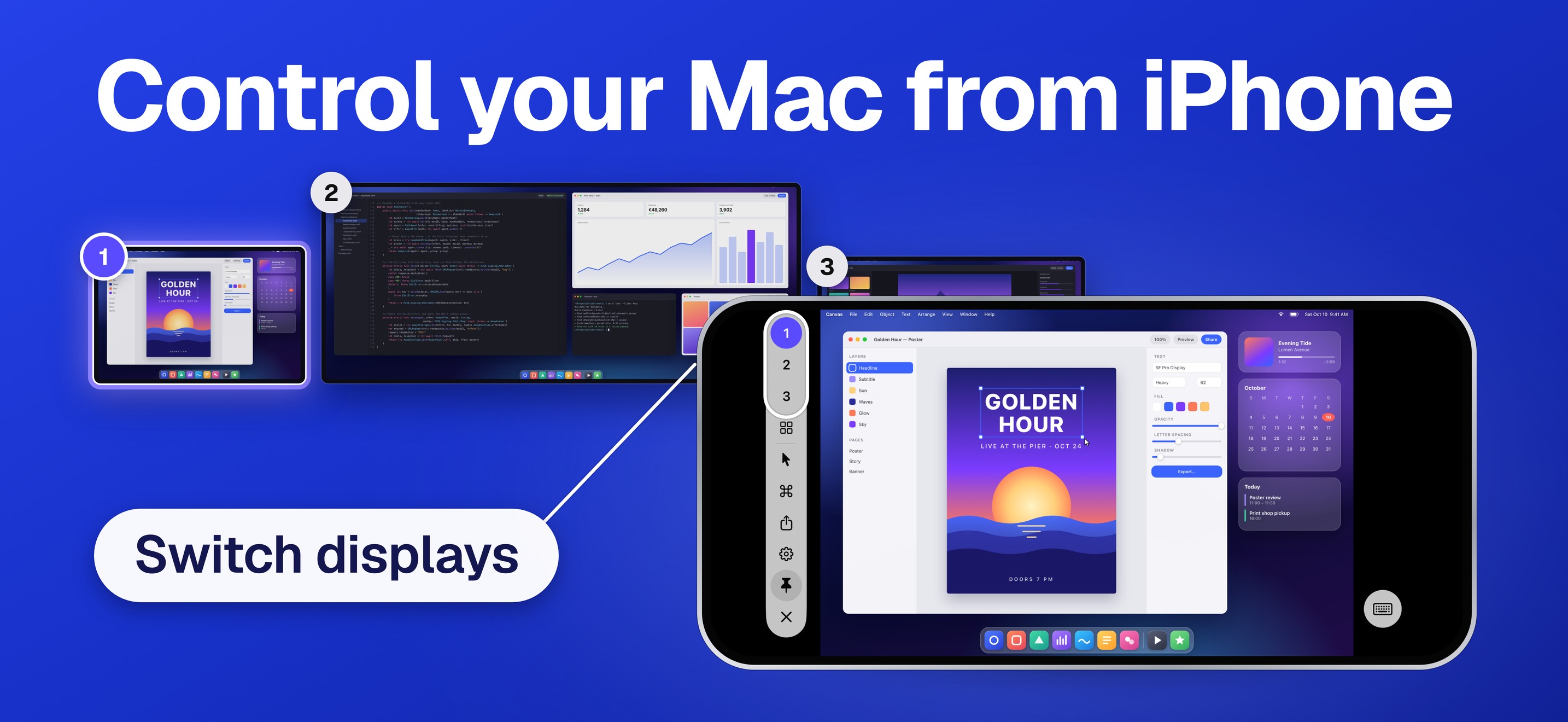 Control your Mac from iPhone · JPEG 2868×1320, 335 KB
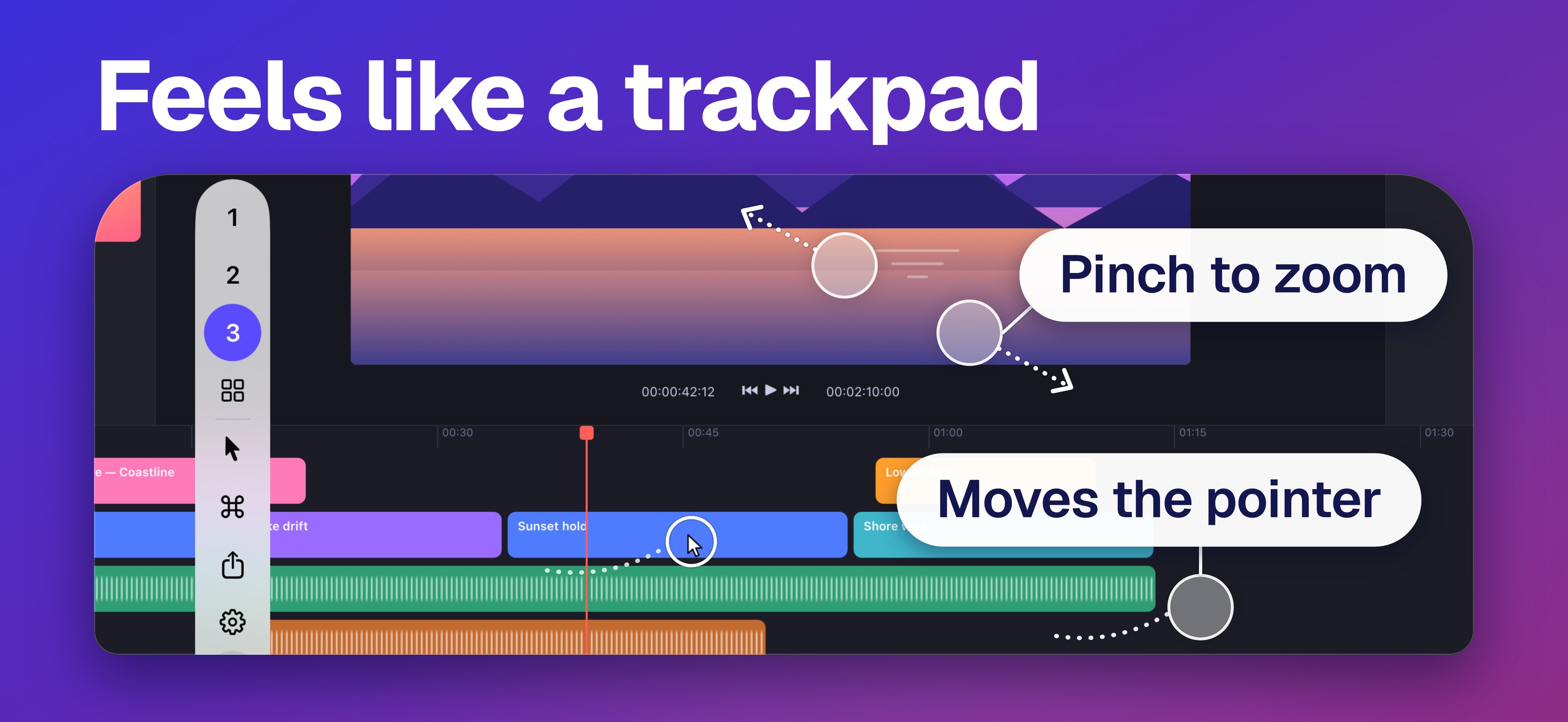 Feels like a trackpad · JPEG 2868×1320, 282 KB
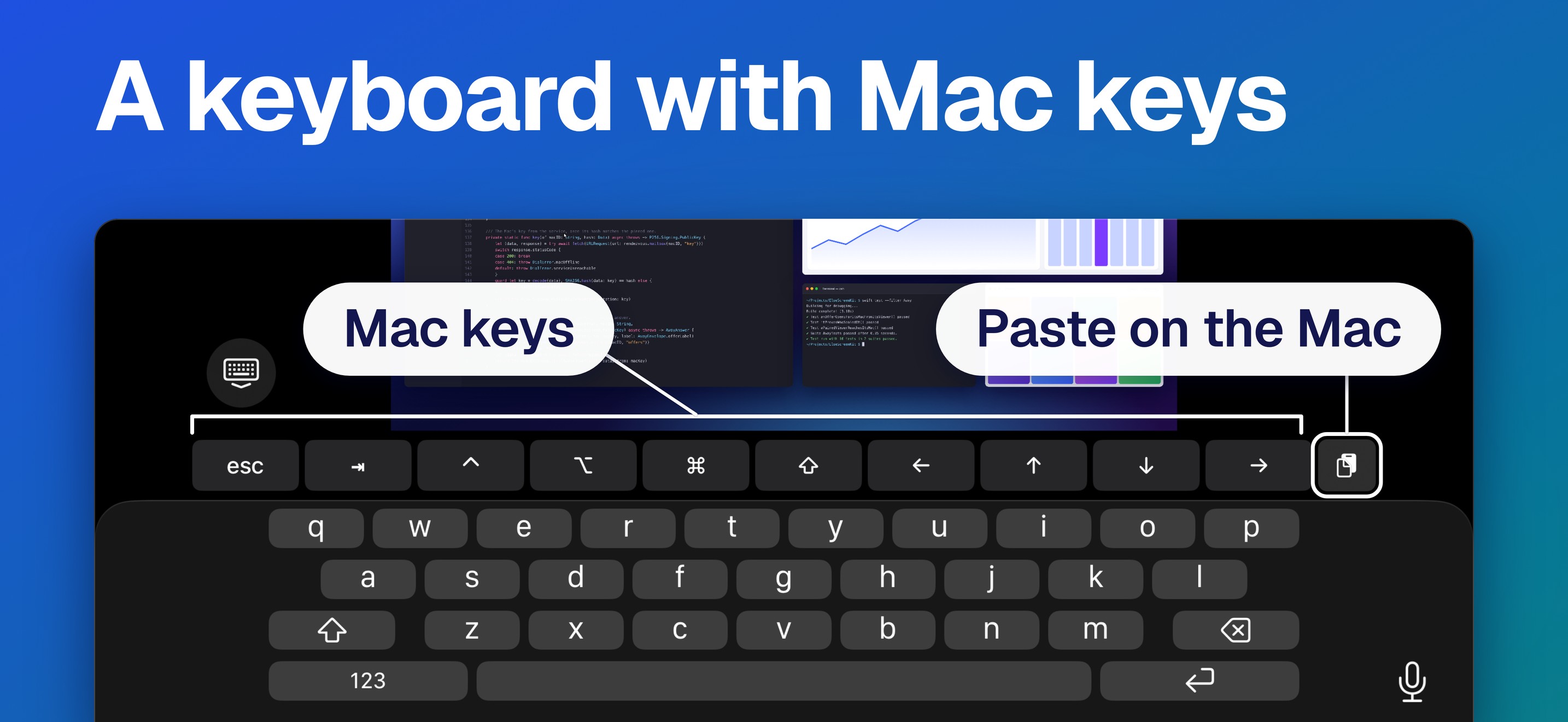 A keyboard with Mac keys · JPEG 2868×1320, 271 KB
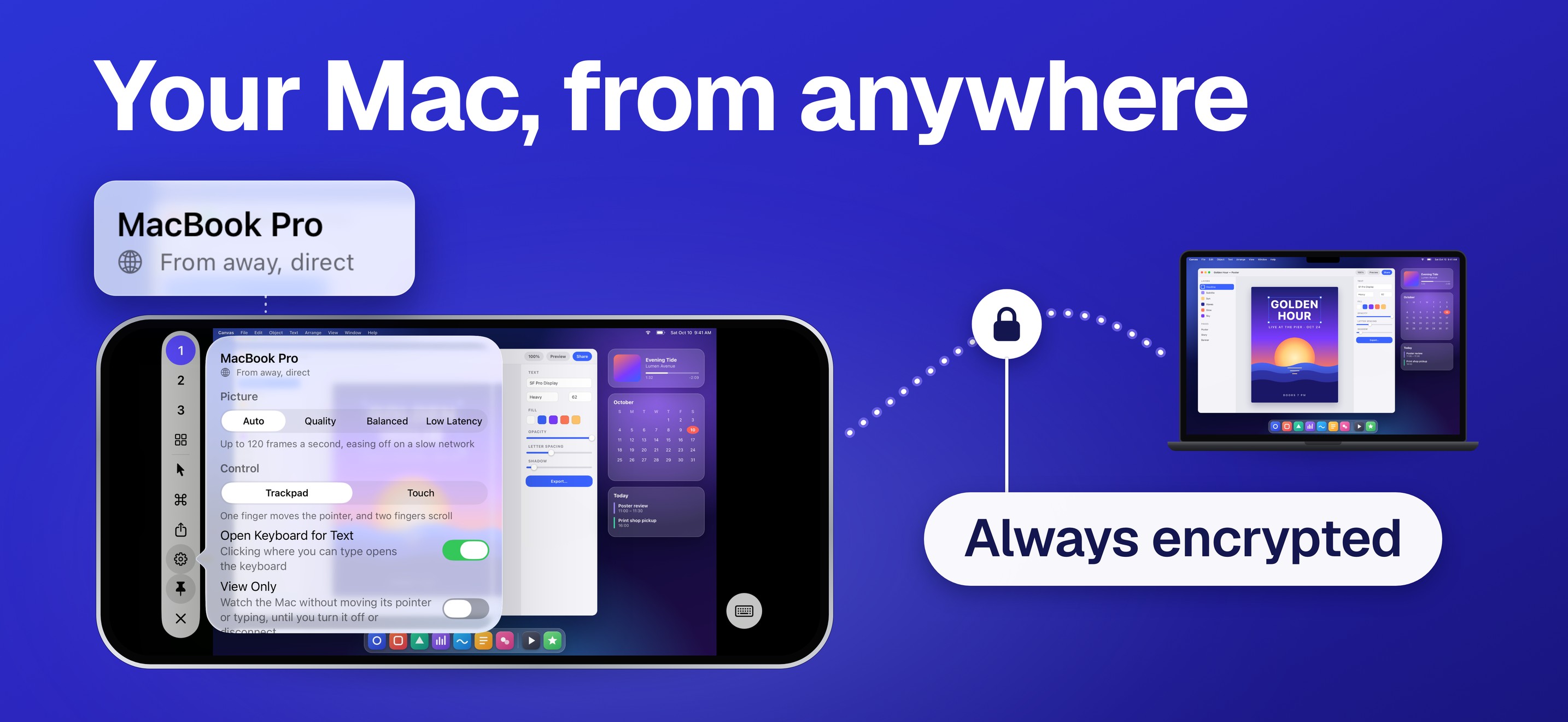 Your Mac, from anywhere · JPEG 2868×1320, 313 KB
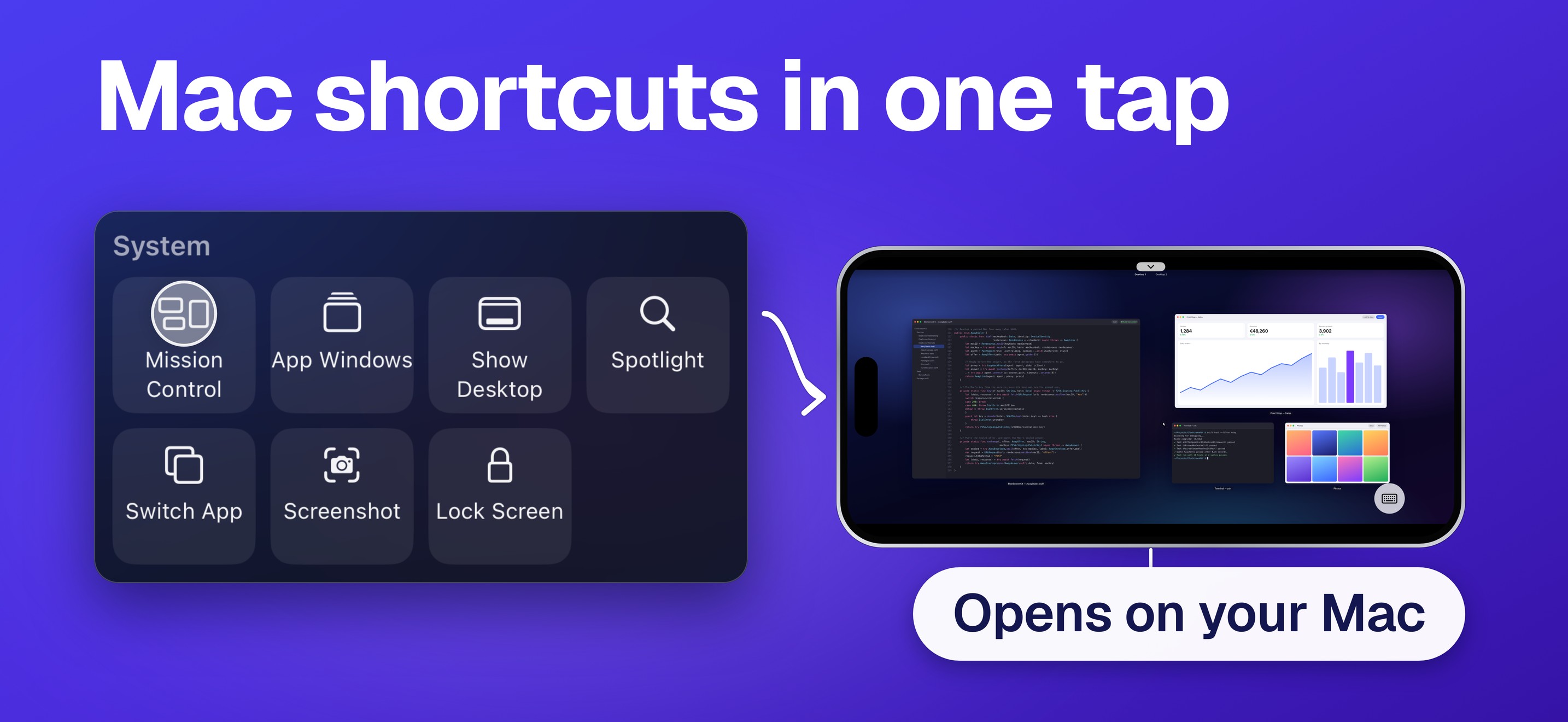 Mac shortcuts in one tap · JPEG 2868×1320, 264 KB
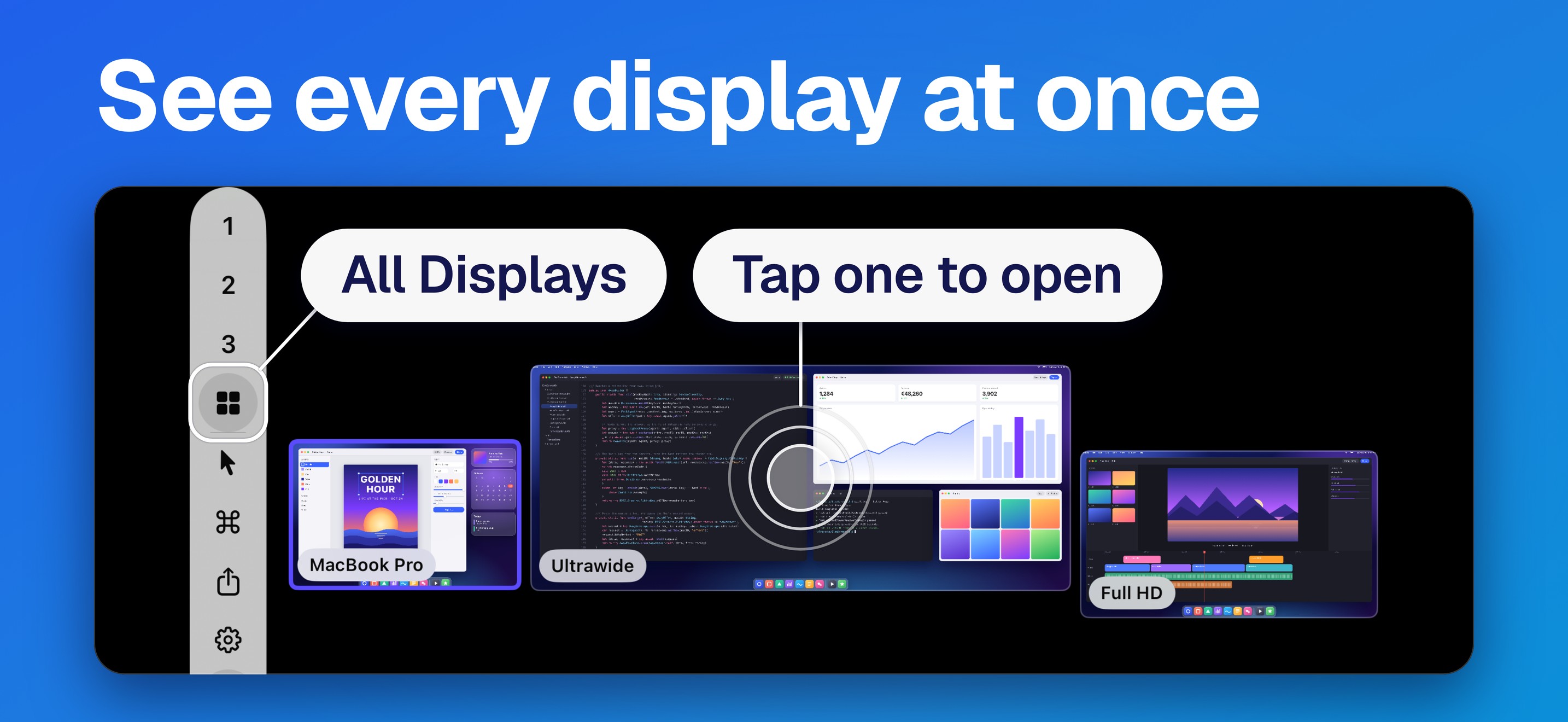 See every display at once · JPEG 2868×1320, 320 KB
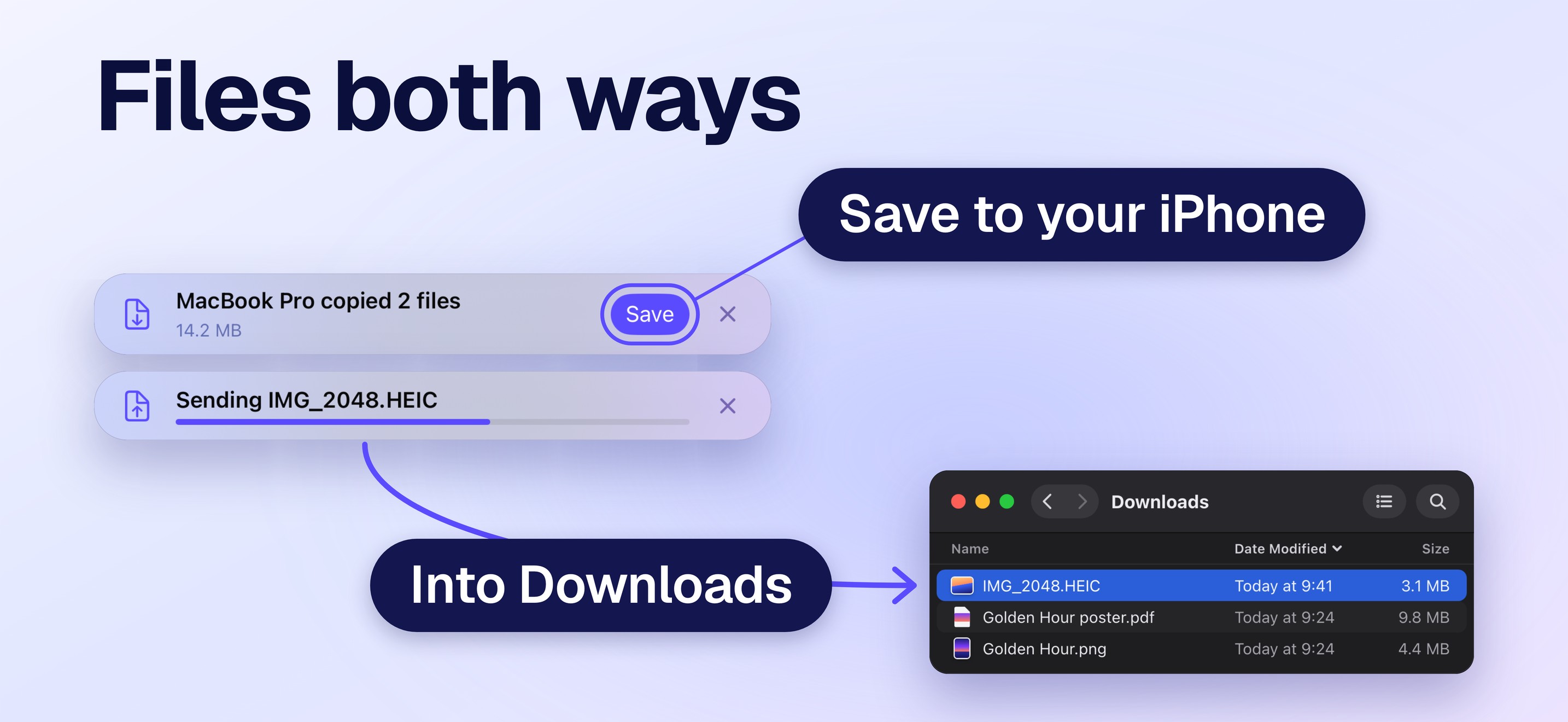 Files both ways · JPEG 2868×1320, 249 KB
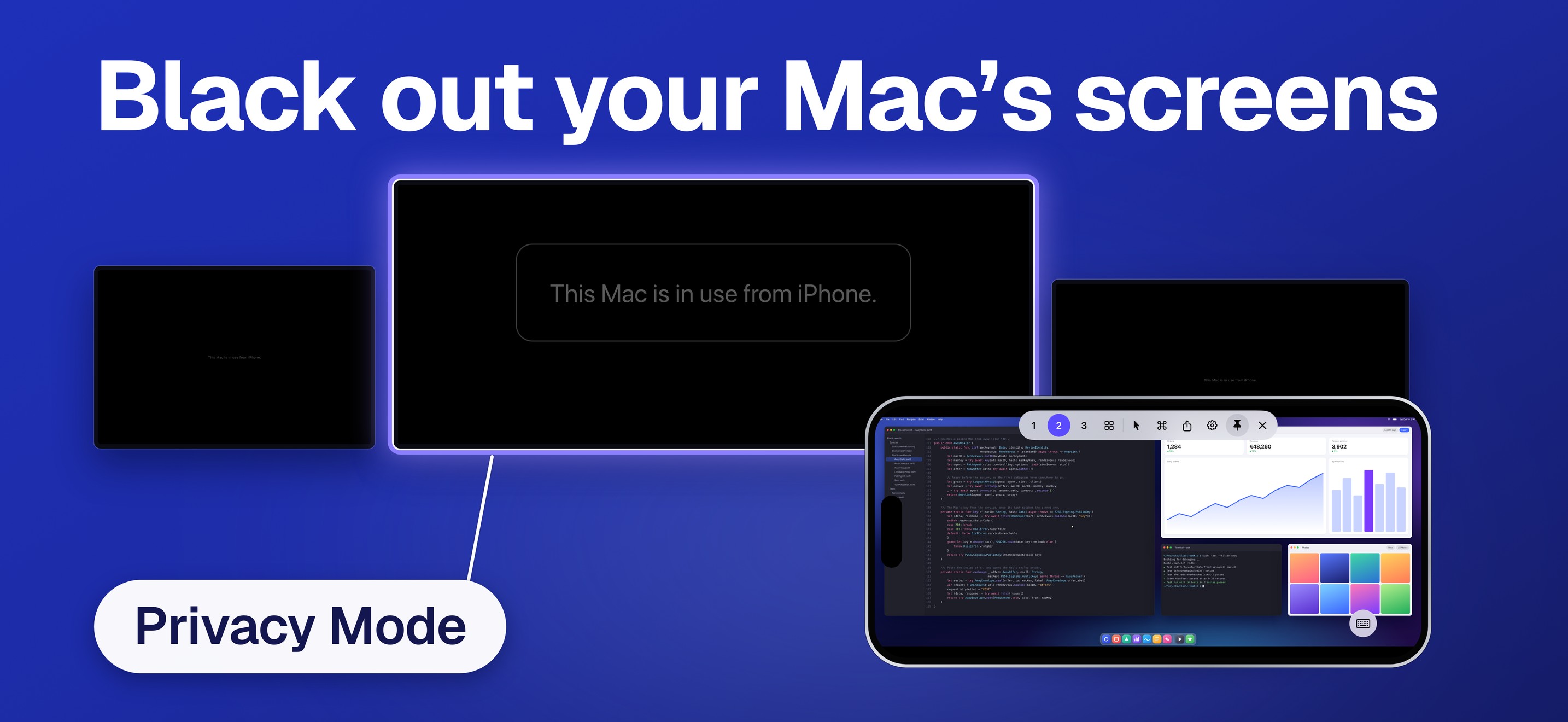 Black out your Mac’s screens · JPEG 2868×1320, 257 KB
iPad
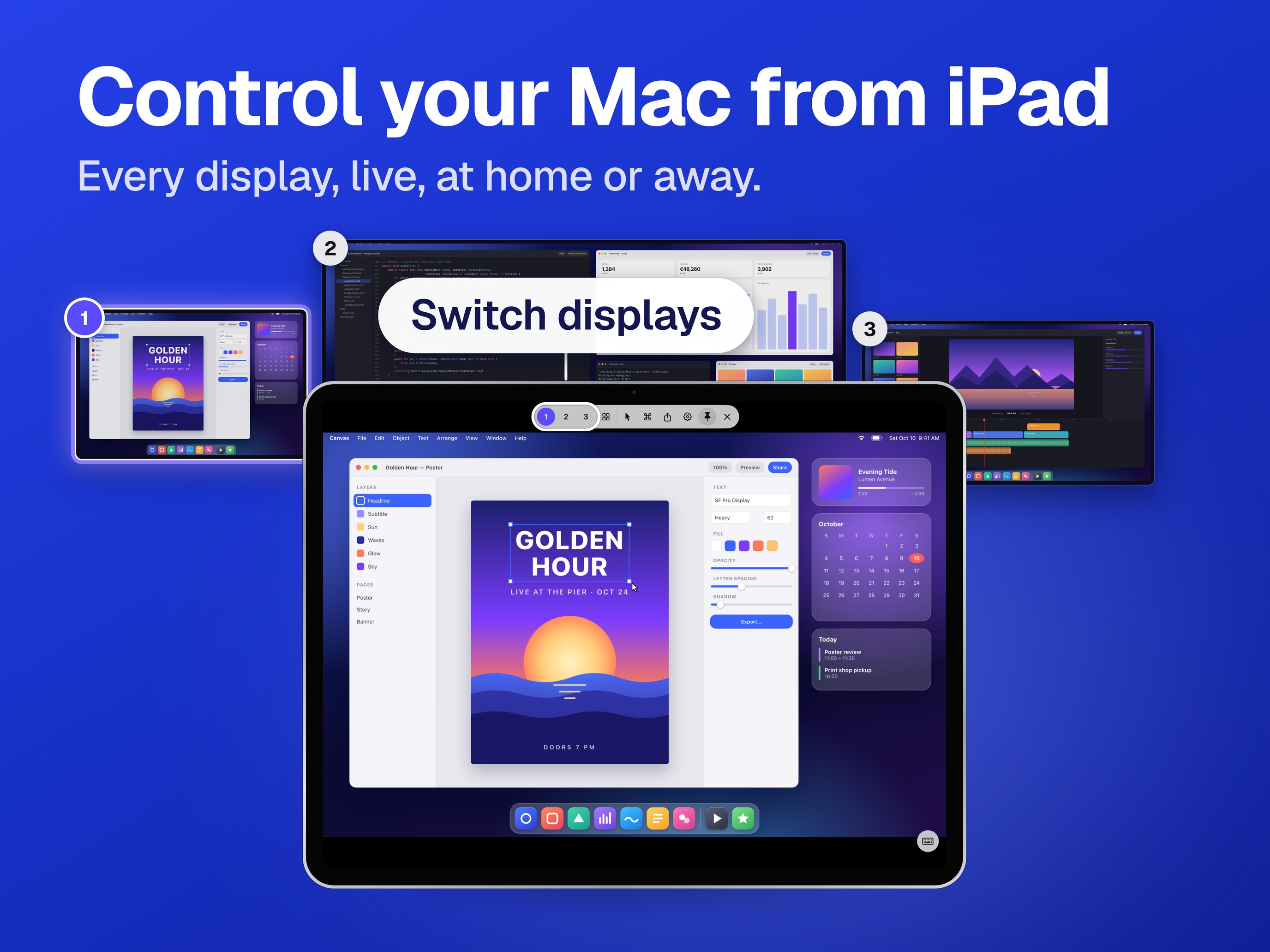 Control your Mac from iPad · JPEG 2752×2064, 431 KB
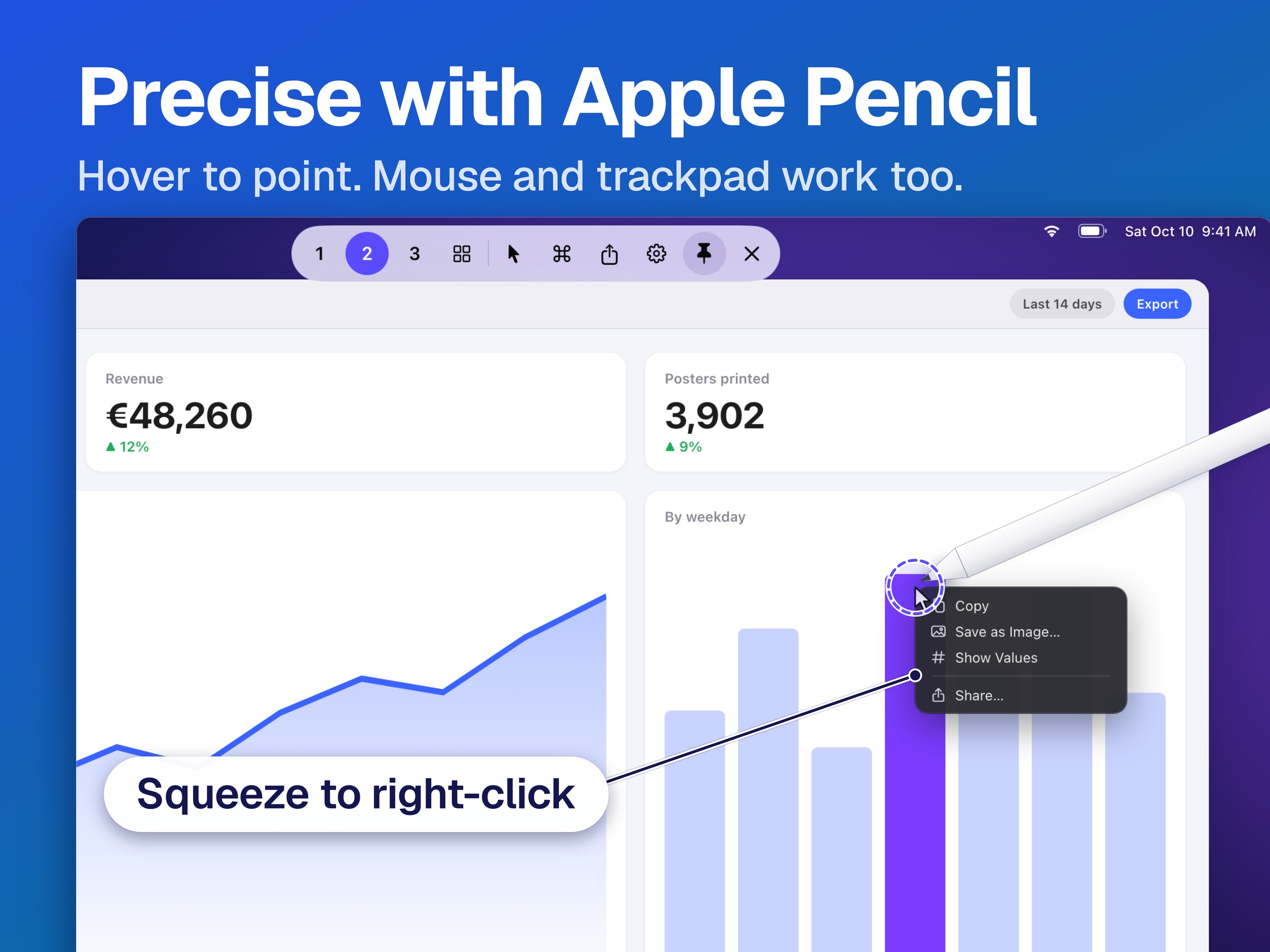 Precise with Apple Pencil · JPEG 2752×2064, 343 KB
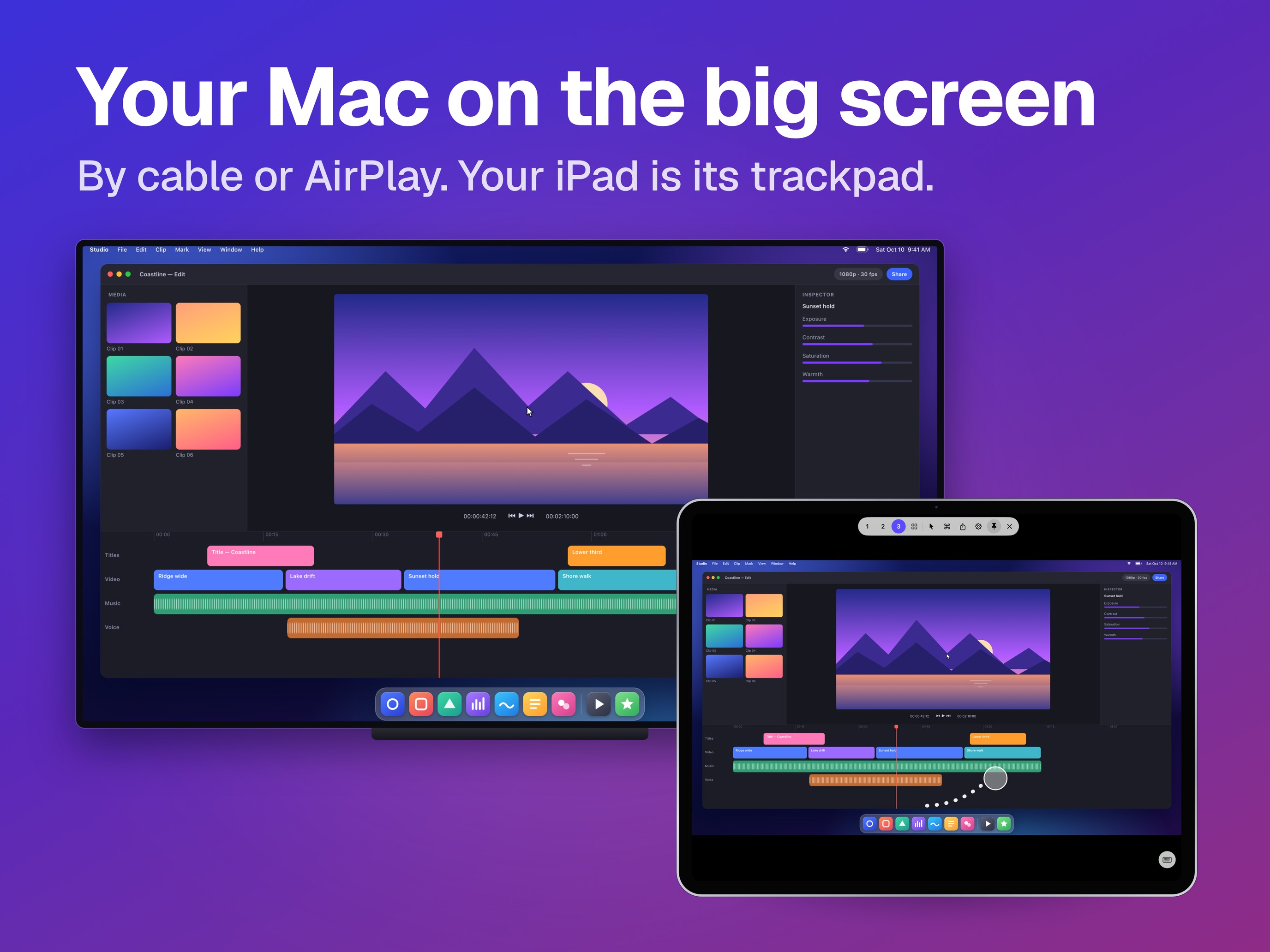 Your Mac on the big screen · JPEG 2752×2064, 388 KB
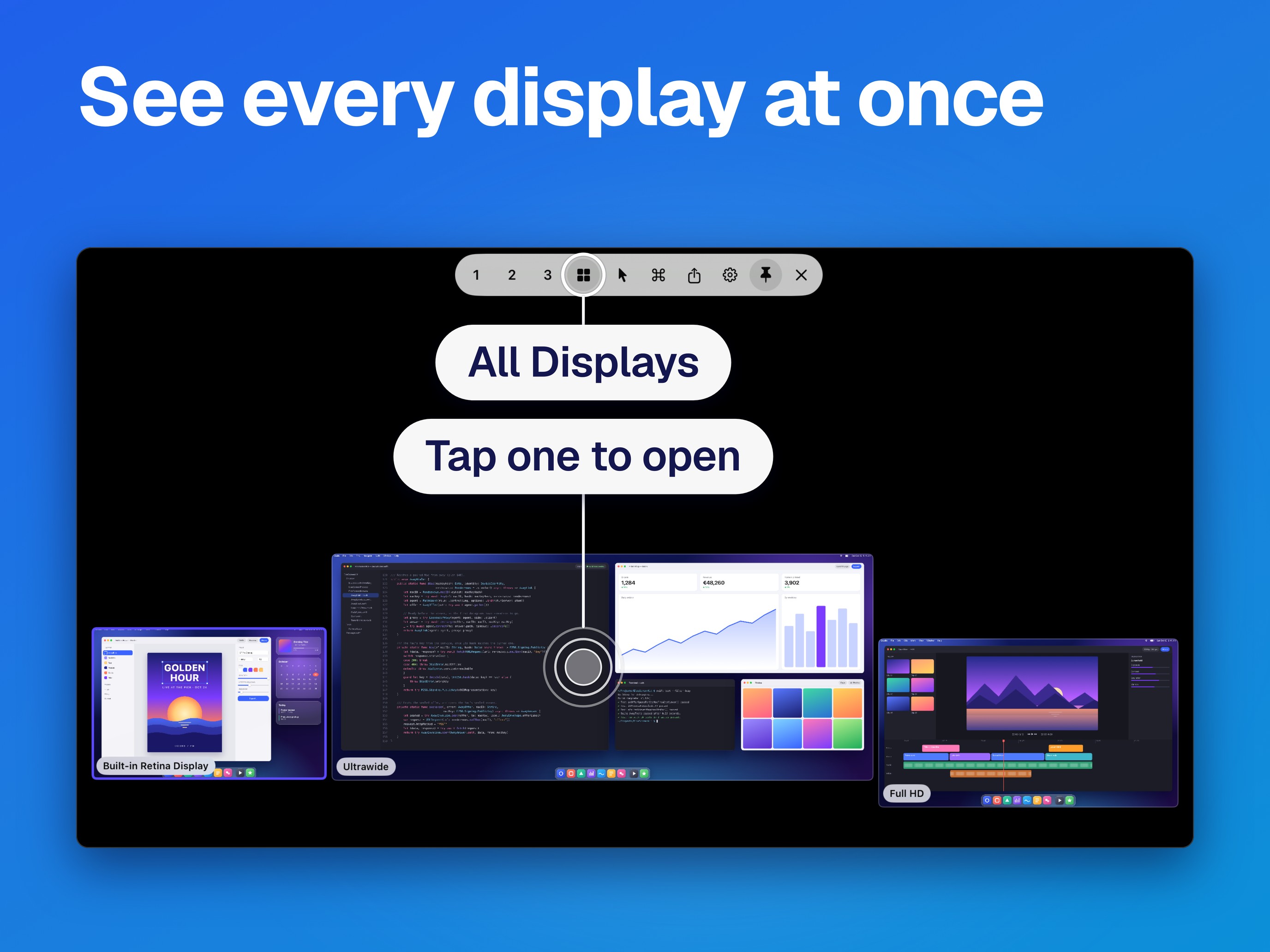 See every display at once · JPEG 2752×2064, 366 KB
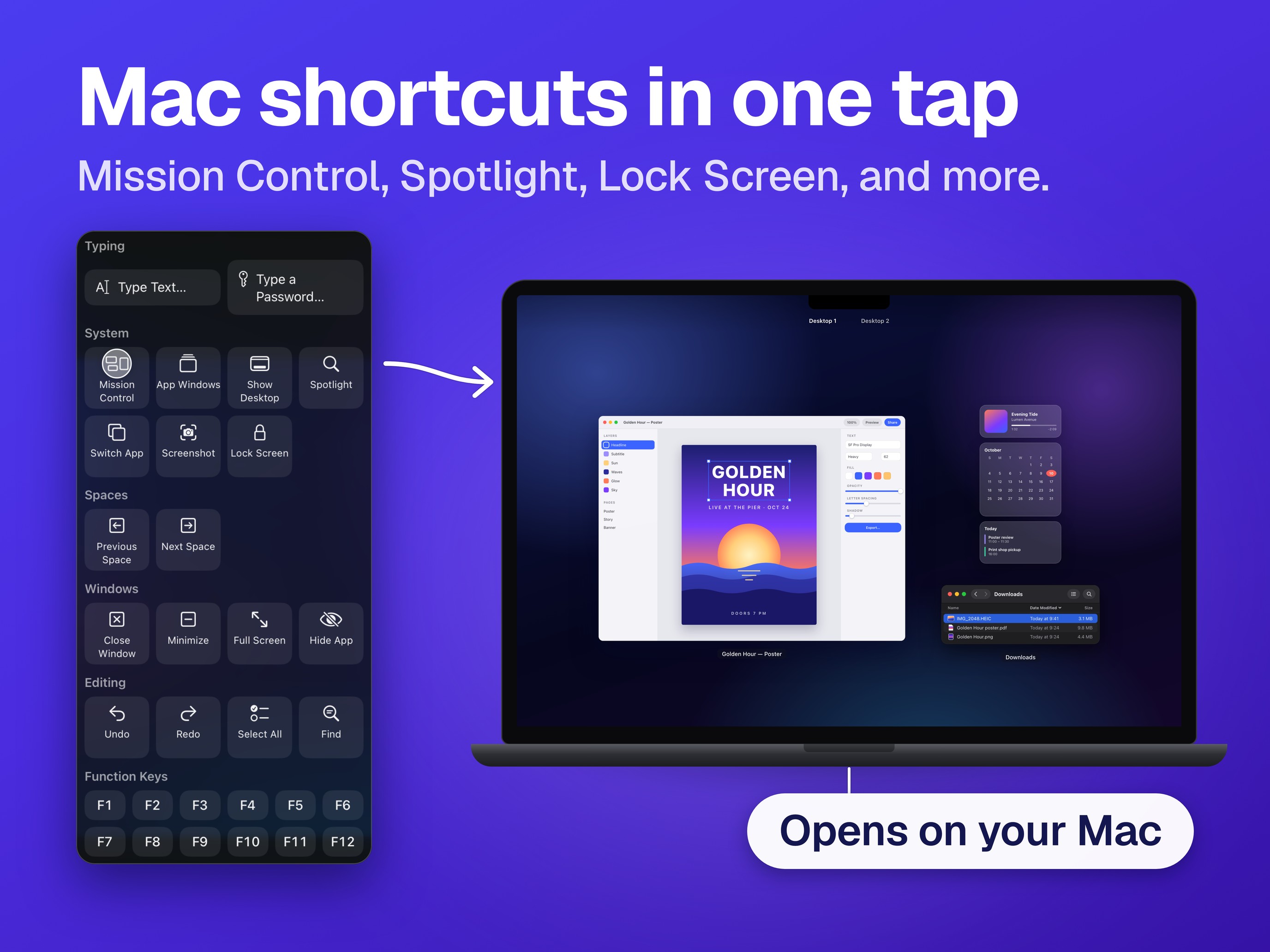 Mac shortcuts in one tap · JPEG 2752×2064, 389 KB
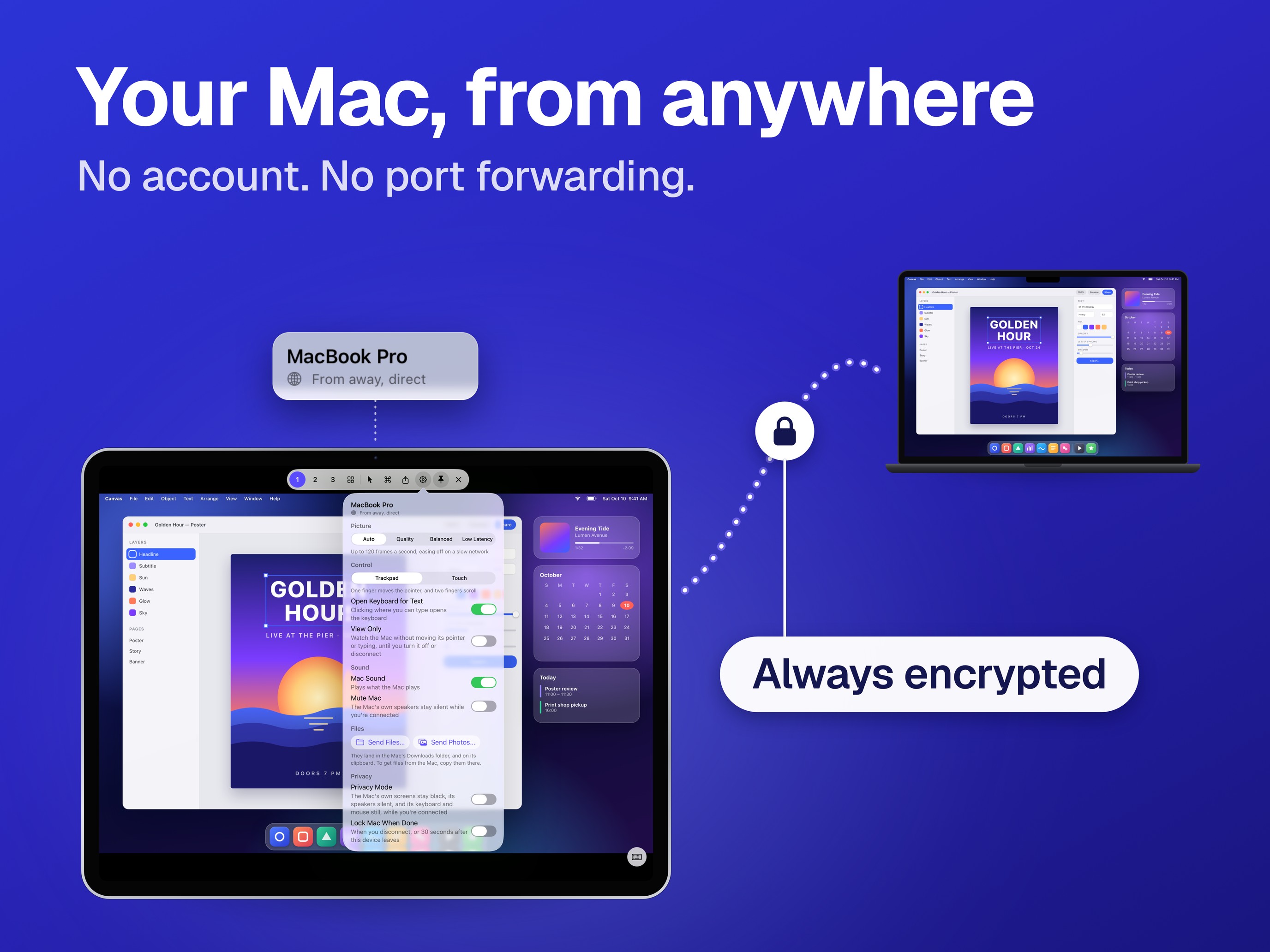 Your Mac, from anywhere · JPEG 2752×2064, 404 KB
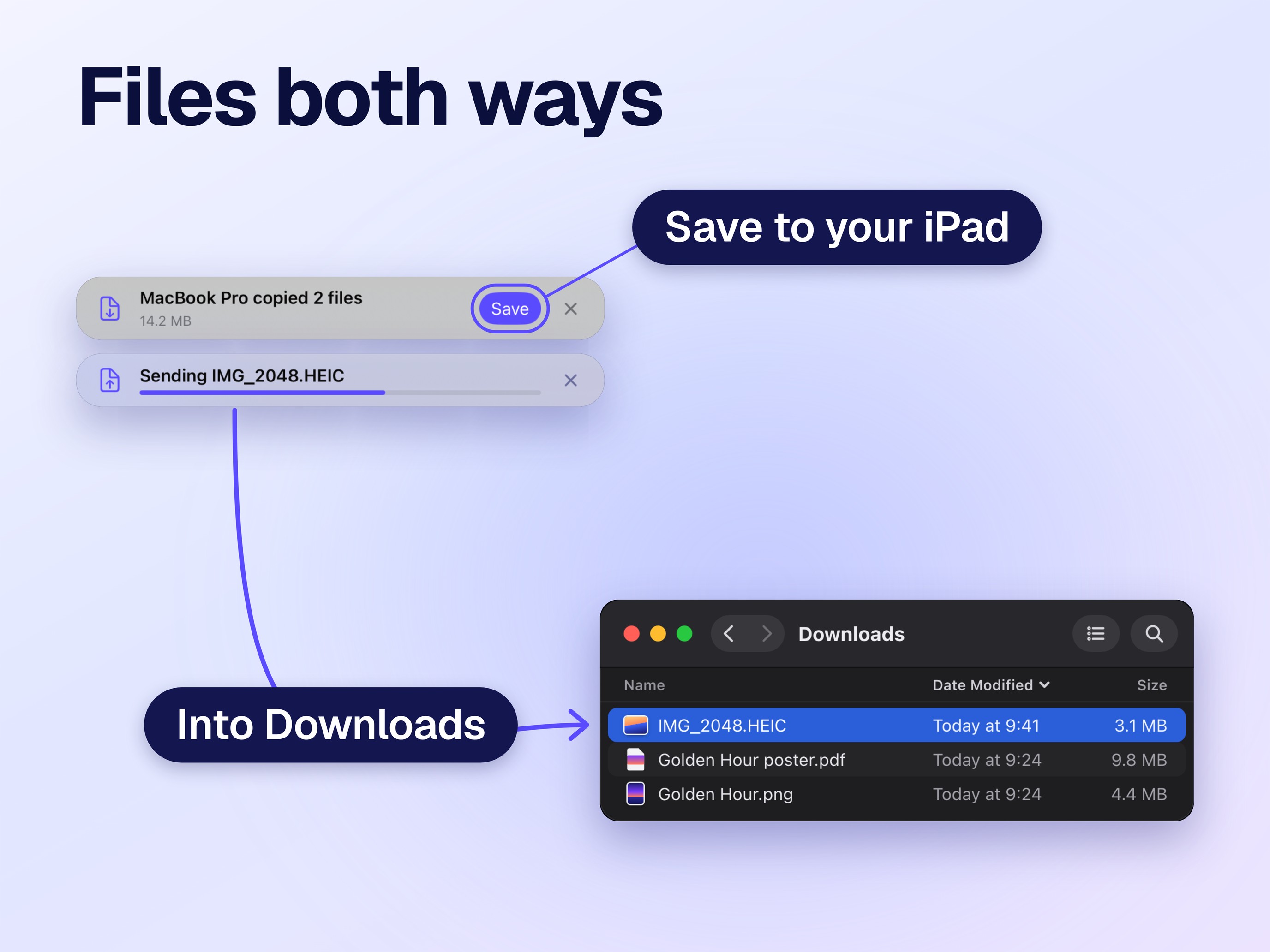 Files both ways · JPEG 2752×2064, 289 KB
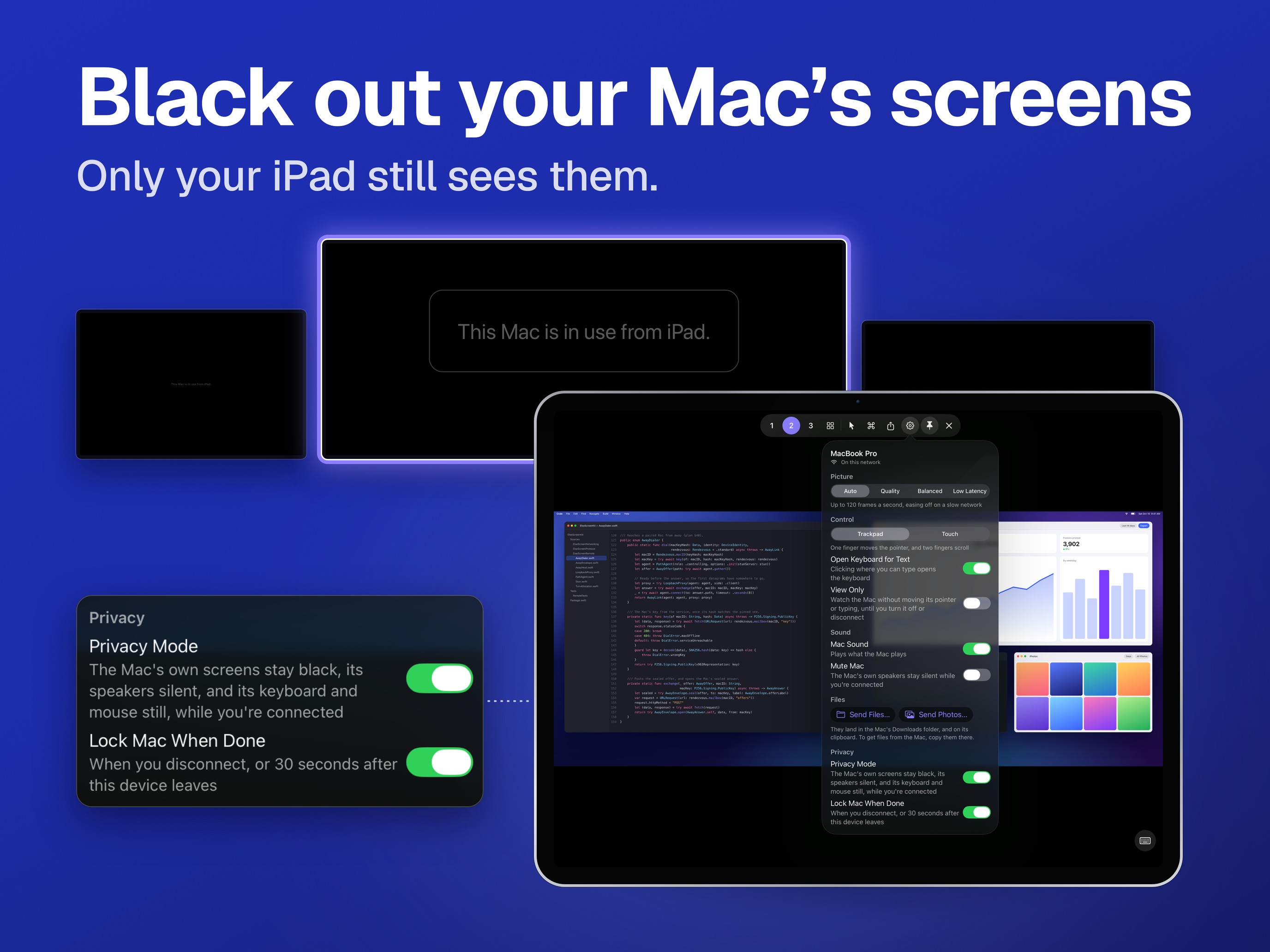 Black out your Mac’s screens · JPEG 2752×2064, 412 KB
Mac
Photos
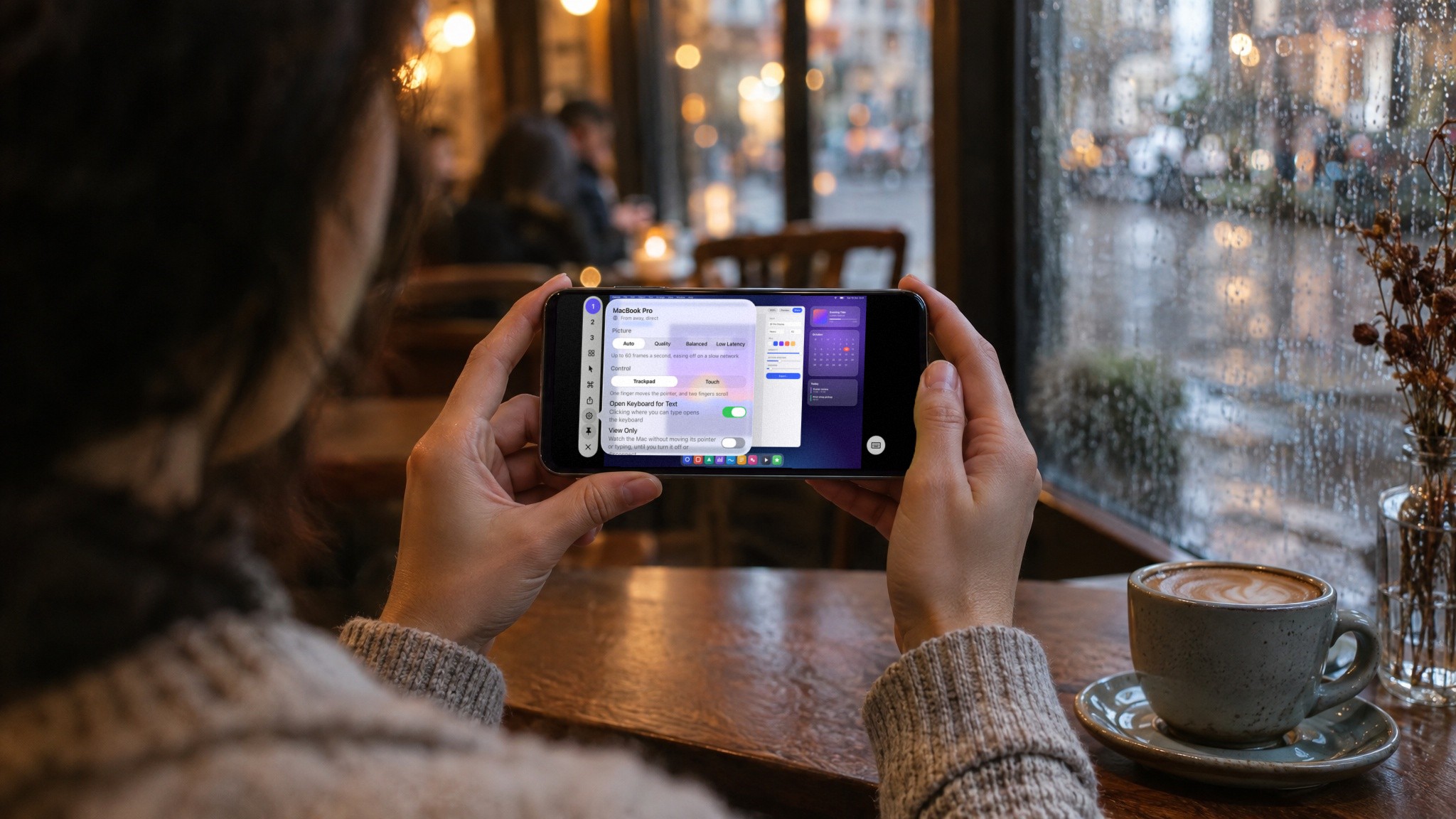
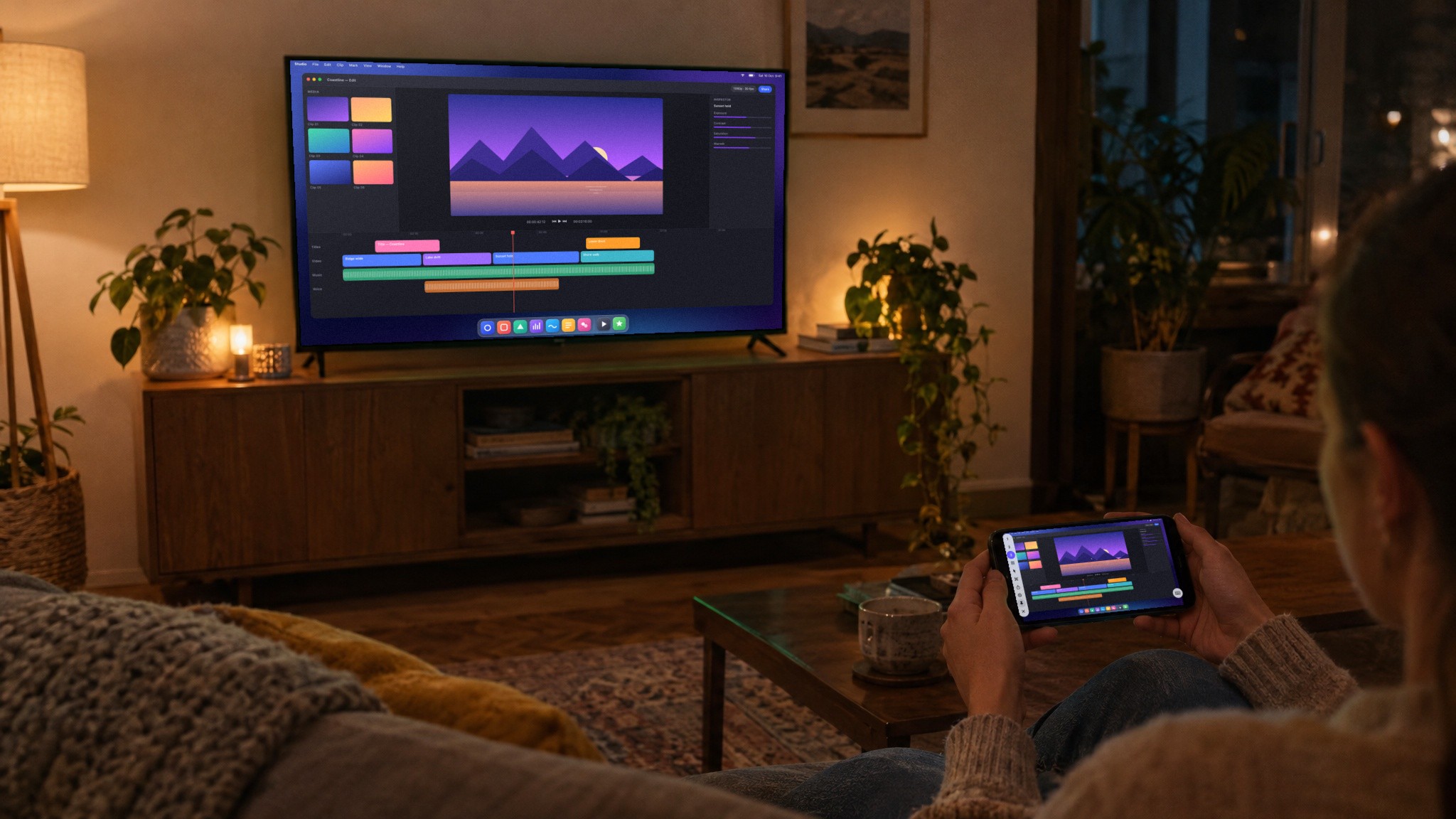
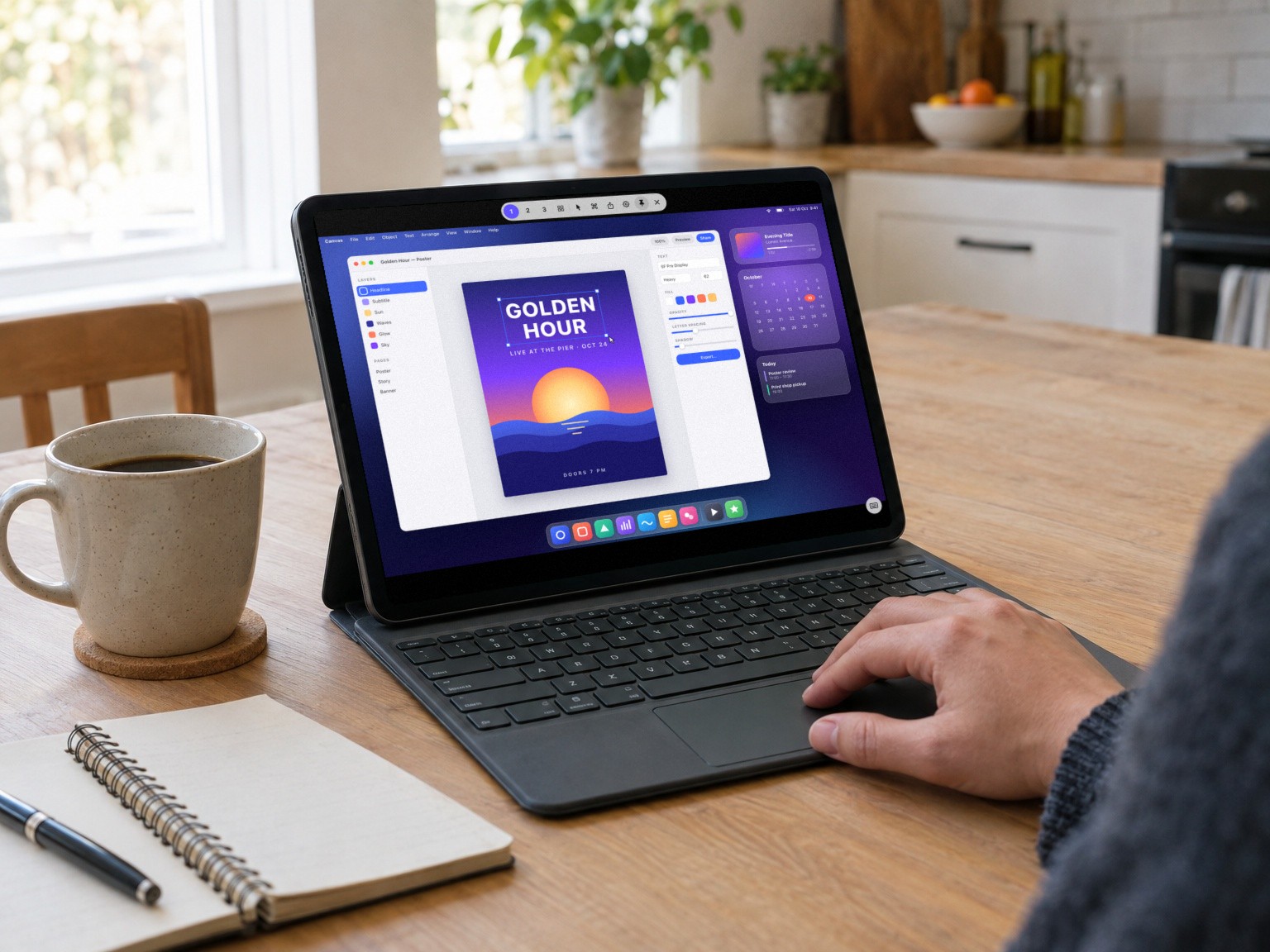
About the pictures
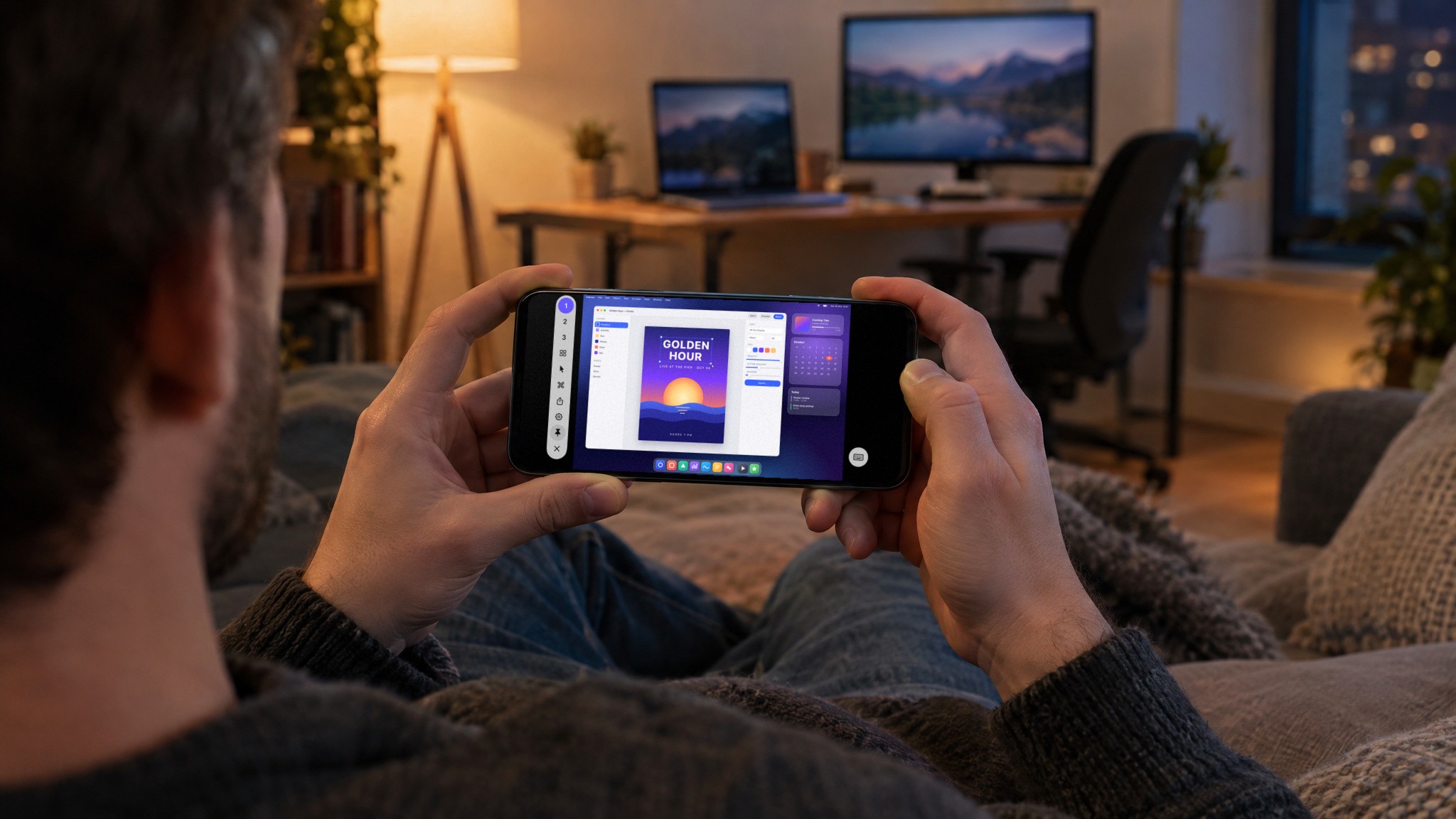
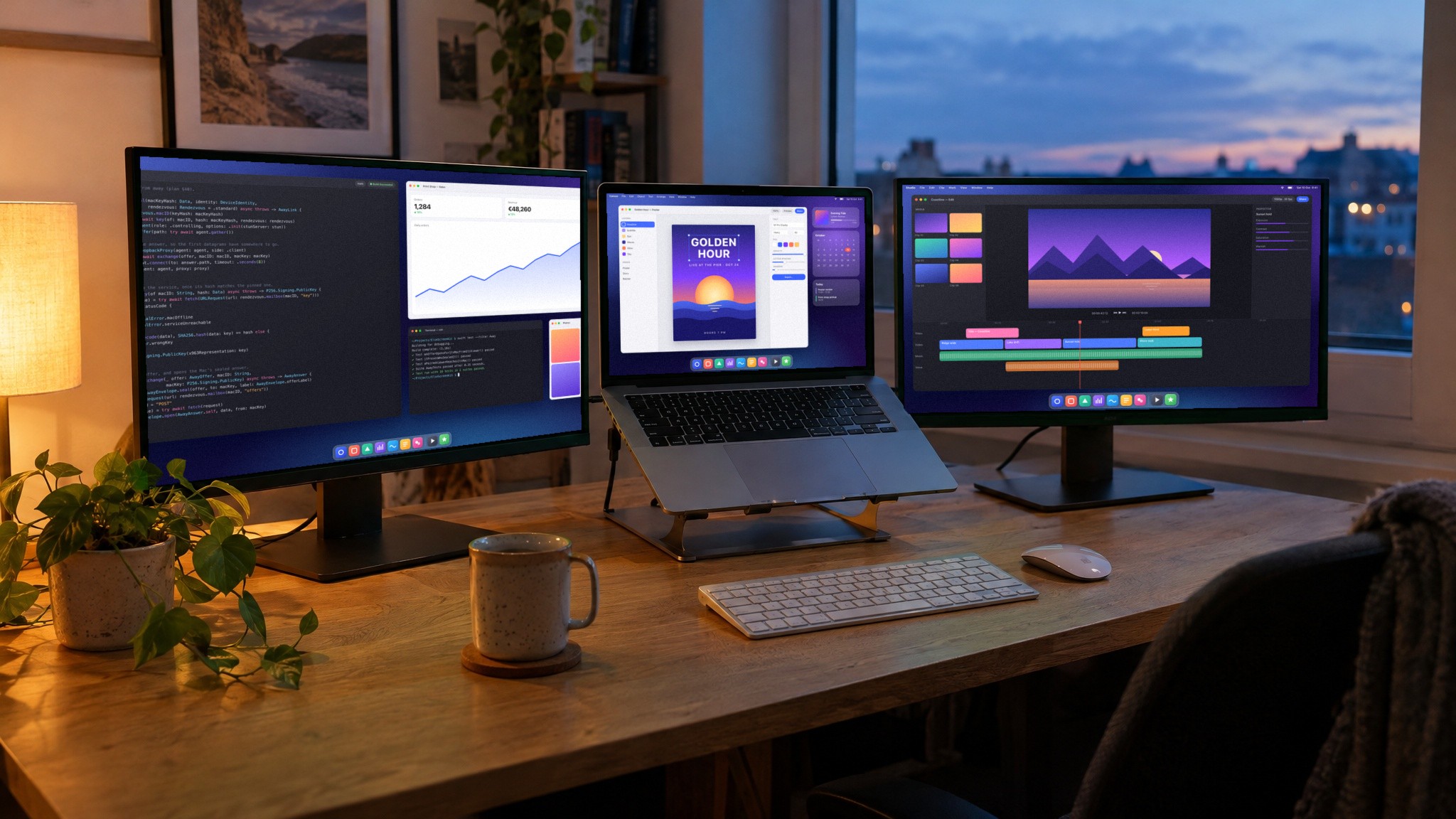
The App Store pictures show made-up desktops, never anyone's real screen. The photos are illustrations, made with an image model, with the app's own screens set into them. Use them as they are, credited to ElseScreen if you credit pictures. For a picture we don't have, or anything else, write to support@elsescreen.com. The App Store page is at apps.apple.com.